How To Identify Fake Yono Games Apps And Download Links
Yono-branded gaming apps can look similar despite having different operators, making it important to verify developers, download sources and app permissions before installing an APK.
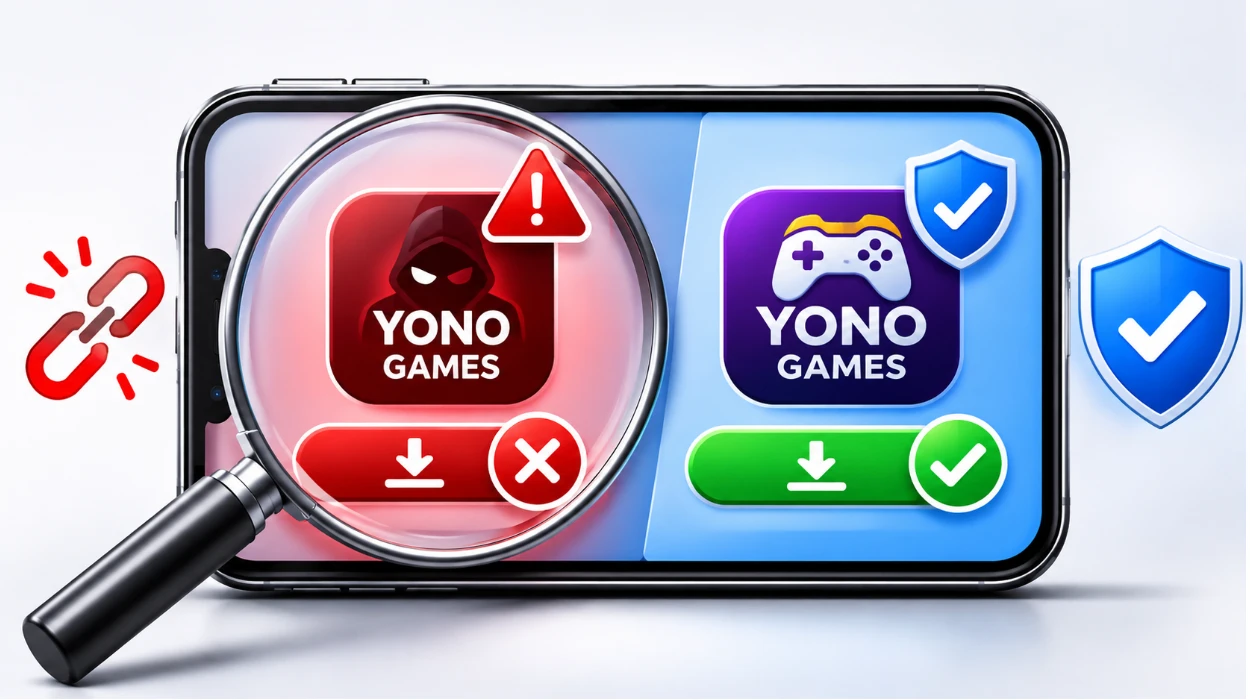
Why Do Some Yono Games Apps Look Almost Identical?
Yono-related gaming apps often use similar names, colours and game descriptions. Two apps may feature rummy, Teen Patti or arcade-style games while being operated by completely different companies.
This can make it difficult to identify which application belongs to the developer you are looking for.
A suspicious app might copy a familiar logo, reuse screenshots or display an almost identical registration form. Some websites also use words such as “official” or “latest” to appear trustworthy.
None of these details proves who owns the application.
A more reliable approach is to check the developer, website address and APK information together.
1. Check The Website Address Carefully
Start by examining the website address before selecting a download button.
Fake websites sometimes use domain names that look almost identical to legitimate ones. They may include an extra letter, a different spelling or additional words that are easy to overlook.
For example, a link shared in a Telegram group might claim to offer the latest version of a popular gaming app. However, opening it could take you to a website with a different name.
That does not automatically mean the website is fraudulent. Some businesses operate more than one domain, but the connection should be clear and verifiable.
Look out for these signs:
A website address that does not match the developer's confirmed domain.
Unexpected redirects to unrelated websites.
Download buttons that open multiple advertising tabs.
A site that requests account details before explaining what it offers.
Links sent by unknown social media accounts claiming to represent the operator.
Do not rely entirely on the padlock symbol beside a website address. HTTPS protects information while it travels between your browser and the website, but it does not confirm that the operator is genuine.
If you are unsure about a link, compare the address with information published independently by the developer.
2. Find Out Who Developed The App
One of the clearest ways to investigate a gaming app is to identify its developer.
A genuine operator should provide enough information for users to understand who is responsible for the application.
Check the developer's name, support details, privacy policy and any available company information. These details should be reasonably consistent across the app and the operator's website.
For example, an application might use the name of a familiar Yono platform while its privacy policy refers to an unrelated company.
There could be a legitimate explanation, such as a contracted developer or separate publishing company. However, you should be able to verify that relationship.
Pay attention to the Android package name as well. This is the identifier Android uses to distinguish one application from another.
Two applications can have similar names and icons while using completely different package identifiers. A matching package name is useful supporting evidence, although it is not enough on its own to establish authenticity.
3. Inspect The APK Before Installing It
Many Android users come across APK files when an application is not available through Google Play.
An APK is the file format used to install Android applications. It is not automatically dangerous, but downloading one from an unfamiliar source carries additional risks.
Before installing, check the file's origin and any available application details.
The filename alone tells you very little. A file called yono-latest.apk, for example, could contain a genuine application, an outdated version or something entirely different.
Compare the version information and package identifier with details obtained directly from the verified developer.
Be especially careful when a website claims that you must disable your phone's security settings to install its application.
Some legitimate installations require Android's permission to install apps from a particular source. That is different from disabling security protection altogether.
If an installation requires you to ignore malware warnings or turn off Google Play Protect, do not proceed.
4. Review The Permissions The App Requests
App permissions can reveal what an application wants to access on your phone.
A game may need internet connectivity or certain device features. Other permissions depend on what the application actually does.
However, a basic gaming app asking for access to SMS messages, contacts or call records deserves closer attention.
Some permissions are particularly sensitive:
SMS access: May expose messages containing personal information or verification codes.
Contacts: Gives an application access to information about people saved on your device.
Accessibility services: Can provide extensive control over how an app interacts with your phone.
Notification access: May allow an app to read notifications containing sensitive information.
Device administrator privileges: Can give an app powerful management capabilities.
Not every unusual permission is malicious. The important question is whether it has a clear purpose.
If an app refuses to function unless you grant access unrelated to its features, consider whether you need to install it. Android settings also allow you to review and revoke many permissions after installation.
5. Be Careful When Download Links Redirect
Imagine opening a link labelled as a Yono Games APK download.
Instead of receiving the expected file, you are redirected to another website. That website displays a different app name and asks you to create an account.
First, check whether the original developer has confirmed the new website as an authorised destination.
A redirect is not necessarily harmful. Companies sometimes move domains or use separate websites for different services. However, unexplained redirects can also lead users to imitation websites.
Be particularly cautious if the new destination asks for:
Your existing gaming account password.
A one-time password (OTP) received through SMS.
Banking information or your UPI PIN.
Personal documents without a clear reason.
Payment before allowing you to inspect the application.
An APK installation does not require you to disclose your banking PIN or share an OTP with another person.
If the destination changes unexpectedly and you cannot verify it, close the website rather than continuing.
6. Understand The Difference Between Game Listings And App Publishers
Another source of confusion is the difference between websites describing games and businesses actually operating them.
A gaming directory may explain how different games work, what categories they belong to or how their features compare.
For example, the Yono Arcade games and categories resource provides information about different game types associated with the Yono Arcade catalogue.
This information can help readers understand whether they are looking at a rummy game, a Teen Patti variation or another arcade-style title.
However, finding a game mentioned in a catalogue does not verify every APK or website using that game's name.
The company distributing an application must still be checked separately. Similar game titles do not necessarily mean two applications have the same owner.
7. Use Google Play Protect
Google Play Protect is a security feature included with Google Play services on supported Android devices. It checks applications for potentially harmful behaviour, including apps installed from outside Google Play.
If Play Protect identifies a serious risk, it may display a warning or block the installation.
You can usually access it by opening Google Play, tapping your profile icon and selecting Play Protect.
Keep its scanning features enabled.
If you receive a warning about an unfamiliar APK, read it carefully. Do not dismiss it simply because someone in a chat group says the file is safe.
Remember that Play Protect is a security tool, not an ownership verification service. An application may pass a security scan without proving that it belongs to the developer it claims to represent.
8. Don't Confuse App Authenticity With Legality
An application can be published by a real company and still offer services that are restricted under Indian law.
India's Promotion and Regulation of Online Gaming Act, 2025, and its 2026 rules prohibit online money games while providing a framework for permitted online social games and esports.
These restrictions apply to online money games regardless of whether the underlying activity involves skill or chance.
Claims such as “legal because it is a skill game” should therefore not be accepted at face value.
For users in India, the important distinction is between an application's identity and the legality of the services it offers.
Check current government guidance and any applicable local requirements rather than relying solely on statements made by the operator.
What If You've Already Installed A Suspicious App?
If you have installed an unfamiliar gaming APK and later notice unusual behaviour, there are several steps you can take.
Start by opening your phone's settings and checking the application's permissions. Look for access you do not remember approving, especially permissions involving messages, contacts, notifications or accessibility.
Next, run a Google Play Protect scan.
If the application is flagged as harmful, follow the security recommendation. You should also consider uninstalling an app if its source or identity cannot be established.
If you have entered a password into a suspicious login screen, change it through the legitimate service. Change it anywhere else you have reused it.
For suspected payment fraud, contact your bank or payment provider immediately.
In India, financial cyber fraud can be reported by calling 1930. Other cybercrime complaints can be filed through the official cybercrime.gov.in portal.
Keep screenshots and relevant website addresses if you need to explain what happened.
A Simple Check Before Installing
You do not need to be an Android expert to examine an unfamiliar gaming app.
Before installing anything, ask yourself:
Do I know which company operates this app?
Does the download link match a website confirmed by that company?
Can I identify the application's version and package name?
Are its permissions reasonable for the features it offers?
Has my phone displayed any security warnings?
Has the website unexpectedly requested passwords, OTPs or financial details?
If something does not add up, investigate the specific issue before installing the file.
Even a familiar logo or convincing homepage should not replace these checks.
Conclusion
Fake Yono Games apps can be difficult to recognise because names, logos and gaming interfaces are easy to imitate.
A familiar design is not proof that an application belongs to the operator you are expecting.
The most practical way to check an unfamiliar app is to confirm its developer, examine the website address, compare APK details and review the permissions it requests.
Google Play Protect offers another layer of security, but it cannot confirm every claim a publisher makes about its identity.
For Indian Android users, it is also important to distinguish between a genuine application and a legally permitted gaming service.
If you cannot establish who operates an app or where its APK came from, do not install it. That simple decision can help protect your device, account information and personal data.